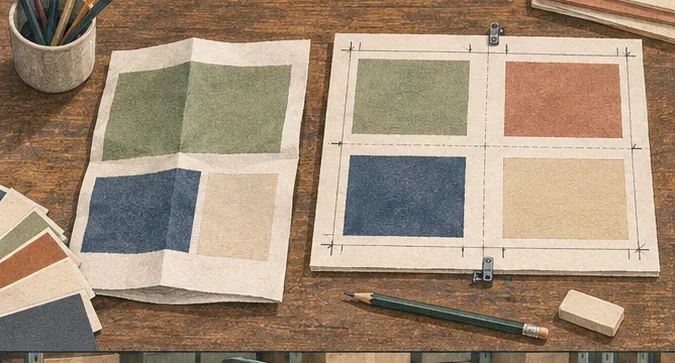
Separate the cover from the interior
Ask the supplier to quote two options if you can use either: stock interior with a branded cover, or your own printed interior with the same cover. Keep the binding, page size and quantity constant. Ask whether custom pages are available on the exact notebook you want, which parts of the interior can change, and whether printing starts from a different minimum or requires a different binding.
Treat cover artwork and inside pages as separate files with revision names. For example, COVER_v3.pdf and INTERIOR_v2.pdf. In the email, tell the supplier which file wins if a placement screenshot conflicts with the artwork. A product photo or a logo option on the listing does not confirm that the same model can take custom pages.
- Opening
- Identify the first printed side and any blank reverse.
- Repeat
- Give the number of repetitions and count blank sides too.
- Ending
- Identify the last side and reconcile the count with the proof.
Write the page count and page sequence
Use sheets for physical leaves and pages for printable sides. A notebook specified as 100 sheets ordinarily has 200 sides; that does not mean all 200 sides are printed. State the number of sheets, how many sides are printed, and whether you count endpapers, dividers or blank leaves. If you are unsure how a supplier counts them, ask for a page-by-page proof with the blanks shown.
Give a simple sequence: for example, one printed owner page, then repeating lined pages, with the last printed page facing a blank. Tell the supplier where the first printed page starts and whether left- and right-hand pages need different margins. Send either one PDF in reading order or a repeat file with written repetition instructions, as agreed. Do not assume the print shop can infer missing blanks or reverse-side artwork.
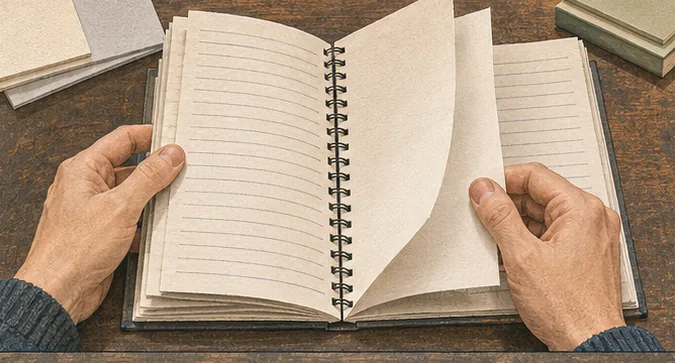
Specify what the user will hold and write on
Write the finished page size, the binding edge and the binding type. Give the expected paper colour and weight, or ask for options instead of writing “premium paper.” Specify rule spacing, grid size, sides printed and whether there are pages with heavy ink coverage. Ask for their artwork template and have the printer confirm the safe margins, binding clearance and bleed for this format.
Choose how the notebook will be used before approving the layout. A meeting notebook needs room near the spine to write on the first and last spreads. A training workbook might need space for exercise numbers and a page grid that lines up on both sides. Say which pen or marker you plan to use and test it on the sample rather than relying on a paper weight alone.
Approve the page order in PDF and writing feel on paper
Use the PDF proof for sequence, page count, scale, logo position, trim and any missing blanks. For a physical sample, open the front, middle and back. Check whether the content is comfortable to reach near the binding and write on both sides using the intended pen. Compare the first and last printed spreads against the approved file. If the paper or binding changes after the proof, ask what has changed and whether it needs another sample.
Request the price per notebook at your actual quantity, plus any cover setup, interior setup, proof, branded or individual wrapping, and shipment. Ask when production timing starts and whether an artwork revision restarts that timing. This makes a stock-interior quote comparable to the custom-page option without treating them as the same spec.
Copy this notebook RFQ and replace the brackets
Attach your artwork and page files, then paste the completed brief into your supplier email. Leave anything undecided marked To confirm instead of submitting a guess.
Subject: Bulk RFQ — notebooks with custom inside pages [reference]

Please quote Option A (stock interior + branded cover) and Option B (custom interior + same cover) separately, if available.

Item reference or approved format: [ ]
Order quantity, by colour and artwork version: [ ]
Finished page size; binding style and edge: [ ]
Interior: [ ] sheets / [ ] sides printed; include or exclude endpapers: [ ]
Page sequence and required blanks or dividers: [ ]
Interior paper colour and weight; ink colours; print one or both sides: [ ]
Ruling or grid spacing; trim, binding clearance and bleed to confirm: [ ]
Cover material and colour: [ ]; logo placement, method and dimensions: [ ]
Cover artwork filename/revision: [ ]; interior filename/revision: [ ]
Packing per notebook and units per carton: [ ]
Delivery country, postcode and date needed: [ ]

Please confirm the MOQ per option, colour and artwork, and any model changes needed for custom pages. Please quote the unit price, setup, proof/sample, packing and delivery as separate lines or mark them as included. Confirm the production timing trigger and the proof/sample approval steps.
Related reading
Price the inside pages separately
Attach one representative spread. Specify the finished page size, printed page count and ink colours; request separate prices for stock and custom interiors with the same cover.